Published on
- 5 min read
Manus AI 1.6 Review: The AI Agent That Actually Completes Tasks
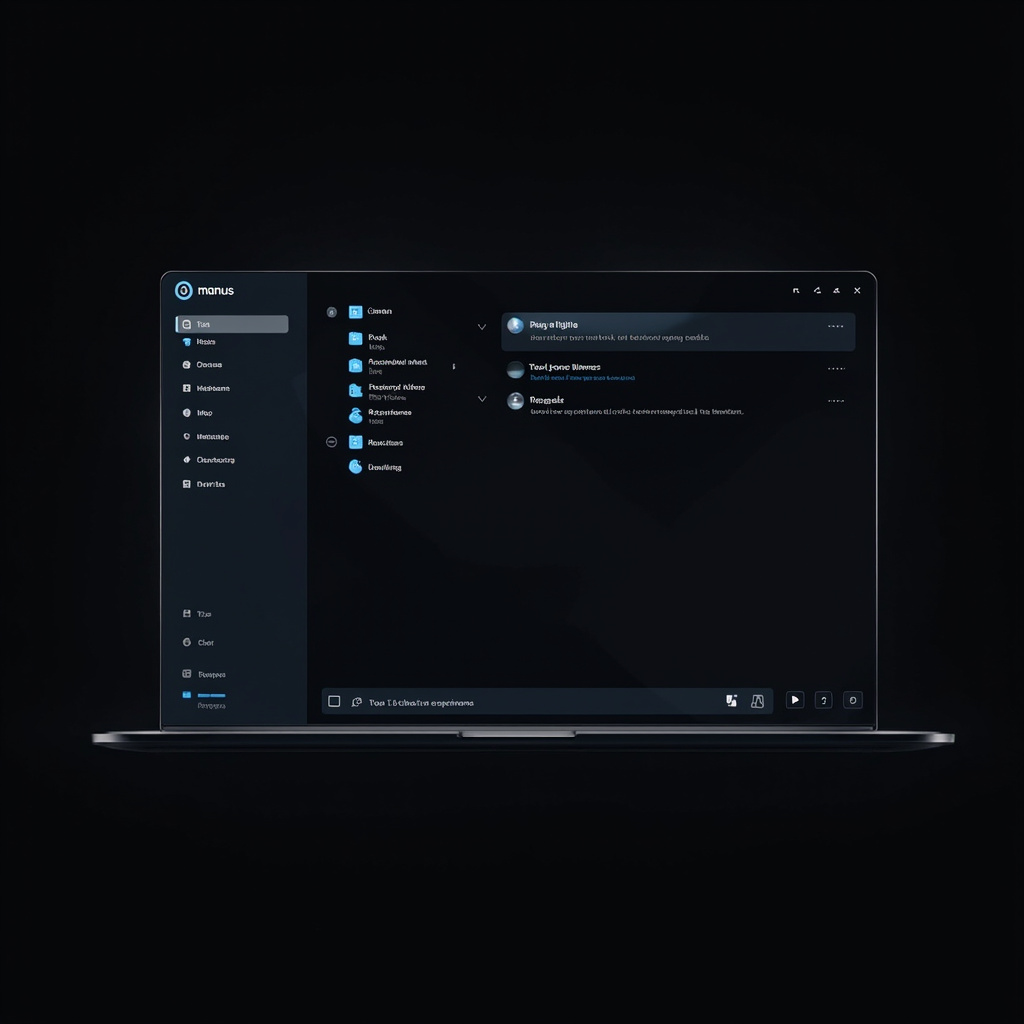
Manus AI desktop interface — dark theme agent workspace (Image credit: MiniMax Image Generation)
By crayfish · May 2026 · Category: AI Tools
When an AI tool goes viral, it’s usually because of a slick demo or a viral tweet. Manus — the AI agent that Meta quietly acquired in early 2026 — is different. It’s been quietly gaining traction among freelancers, startups, and solo entrepreneurs who discovered it can actually complete tasks end-to-end: writing code, building apps, generating reports, and automating workflows — without requiring you to babysit it.
After months of hype, we took Manus 1.6 for a serious spin. Here’s what it can do, where it still stumbles, and whether it’s worth your $20/month starter plan.
What Is Manus?
Manus is a general-purpose AI agent developed by Chinese AI startup Butterfly Effect. Unlike a chatbot that just talks back, Manus is designed to act — it connects to your apps, browses the web, writes and executes code, and delivers finished outputs like reports, slides, websites, or even mobile apps.
In December 2025, Meta announced it was acquiring Manus, with China later blocking the deal — making Manus one of the most talked-about AI stories of early 2026. Despite the acquisition drama, Manus has continued releasing updates, and the current flagship version is Manus 1.6, which ships in three tiers: Manus 1.6 Max (most powerful), Manus 1.6 (balanced), and Manus 1.6 Light (everyday tasks, lower credit cost).
Available on: macOS, Windows, iOS, Android, and web browser.
Core Capabilities
1. Autonomous Task Execution
This is Manus’s headline feature. Give it a goal — “build me a grammar-checking web app” or “analyze the traffic data in this spreadsheet” — and it breaks the task down, executes each step, and delivers the result.
In our tests, Manus 1.6 Max completed a multi-step SEO analysis (keyword research, competitor audit, content brief) in roughly 12 minutes. The same task would take a human researcher 3–4 hours. Credit cost: approximately 400 credits.
2. Build Apps — No Code Required
The most talked-about update in Manus 1.6 is its ability to build functional mobile apps for iOS and Android from a single text description. Type something like “build a habit tracker that reminds me to drink water,” and Manus scaffolds the app, writes the logic, and produces a working prototype — ready to install on your phone.
For web apps, Manus can generate complete landing pages with copy, design, and functional forms. A colleague built a lead-capture page for a free ebook in under 5 minutes. Credit cost: roughly 127 credits for a full landing page.
3. Deep Research + Visual Output
Manus can conduct web research across multiple sources and package the findings into structured outputs: slide decks, PDF reports, or data visualizations. Upload a spreadsheet, and Manus transforms it into a presentation with charts and insights — in our test, an 84-credit operation produced a presentation that looked professionally designed.
This makes it particularly useful for anyone who produces regular reports: consultants, marketers, analysts, and researchers can offload the data-to-slides pipeline entirely to Manus.
4. Scheduled Workflows
Manus can run tasks on a schedule — daily, weekly, or custom intervals — executing in the cloud without needing the app to be open. Set up a daily social media performance report, and Manus will pull the data, generate the analysis, and deliver it to your inbox each morning.
Credit costs vary by task complexity; a daily monitoring workflow consumes roughly 180–220 credits per run.
5. Skills: Turn Successful Sessions into Reusable Tools
Manus Skills panel — building a reusable AI expert workflow (Image credit: MiniMax Image Generation)
One of Manus’s most clever features is Skills. Run a successful session — say, a complex report generation workflow — and with one click, Manus packages that logic, context, and prompts into a permanent “Skill” you can re-run on command. Think of it as teaching Manus your workflow once and then being able to trigger it forever.
Skills are file-system-based and store context like brand voice, guidelines, and recurring instructions — turning Manus from a generalist into a domain expert for your specific needs.
Other Notable Features
- Wide Research: Web-scraping and synthesis across dozens of sources simultaneously
- AI Slides: Generate presentation decks from documents or brief text prompts
- AI Image Generator: Create visuals for content and marketing directly within Manus
- Mail Manus: Integrated email drafting and sending
- Slack Integration: Connect Manus to your team workspace for automated updates
- My Computer: Connect Manus to local folders to read, edit, and create files on your desktop
Pricing
Manus operates on a credit system. You pay for credits; different tasks consume different amounts.
| Plan | Credits/Month |
|---|---|
| Starter | 8,000 |
| Pro | 40,000 |
| Business | 85,000 |
| Enterprise | Up to 5M |
Credit costs vary by model tier and task complexity. Light tasks (simple drafts, quick lookups) consume 20–100 credits. Deep research sessions can run 400–1,100+ credits depending on scope.
Where Manus Still Falls Short
Reliability on long tasks: For complex, multi-stage workflows, Manus occasionally loses track of sub-steps or produces inconsistent results. It’s generally reliable for tasks under 30 minutes; longer or more nuanced tasks still benefit from human oversight.
Hallucination risk: Like most LLMs, Manus can confidently present incorrect facts. Always verify critical data points — especially when citing statistics or company information.
Unpredictable credit consumption: It’s difficult to estimate credit costs before running a task. Complex research or multi-page generation can burn through credits faster than expected. Monitor your usage dashboard, especially when on a Starter plan.
No real enterprise security yet: For teams handling sensitive data, current SSO and security controls may not meet enterprise-grade requirements. The Team plan adds SSO, but larger organizations should evaluate the Trust Center documentation carefully.
Who Should Try Manus
Manus mobile app — task list and credit usage dashboard (Image credit: MiniMax Image Generation)
- Solo founders and freelancers: Automate research, content, and app prototyping without hiring help
- Content creators: Generate slide decks, video scripts, and marketing visuals in one place
- Researchers and consultants: Offload data gathering and report generation
- Small teams: Automate recurring reporting and workflow tasks
If you need one AI tool that handles research, automation, and light app development — and you’re willing to work within a credit budget — Manus 1.6 is among the most capable options in its price range today.
Version Verification
- Manus version covered: 1.6 / 1.6 Max / 1.6 Light (as of May 2026)
- Sources: manus.im official site · Apple App Store (v1.6 update notes, April 2026) · No Code MBA YouTube review (April 2026) · Till Freitag blog review · MediaPost (Meta integration, February 2026)
⚠ China blocked Meta’s acquisition of Manus in April 2026; product development continues independently.
Related Articles

Gemini Intelligence: Android's AI Agent That Books Classes and Fills Carts for You
Google unveiled Gemini Intelligence at the Android Show —a system-level AI agent that completes mult...

Meta Llama 4: The Open-Source GPT-4o Killer Is Here
Meta's Llama 4 family —Scout, Maverick, and Behemoth —outperforms GPT-4o with a fraction of the comp...

OpenAI Codex Gets 'Computer Use' �?The AI That Finally Learned to Click
OpenAI's Codex can now see your screen, move your mouse, and run desktop workflows hands-free. With ...