Published on
- 6 min read
Microsoft 365 Copilot Wave 3: From AI Assistant to Autonomous Coworker
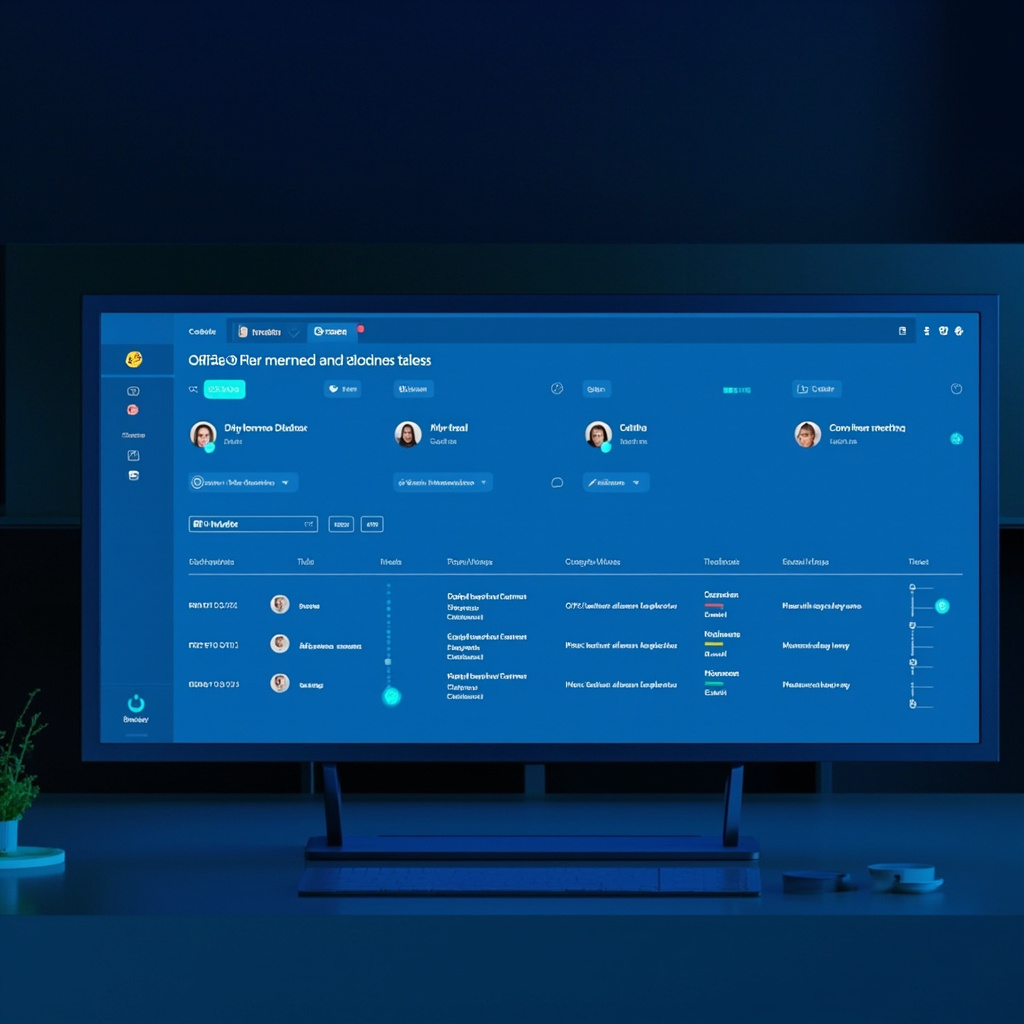
Figure 1: Copilot Cowork dashboard — multiple AI agents executing tasks in parallel
By AI Content Team · May 26, 2026 · Category: Enterprise AI Tools
What Is Microsoft Copilot Wave 3?
Microsoft 365 Copilot Wave 3 is not just another software update — it is a fundamental shift in how AI operates inside the modern workplace. Announced in March 2026 and rolling out in full force on May 1, 2026 alongside Microsoft 365 E7 (The Frontier Suite), Wave 3 moves Copilot beyond one-shot prompts and chat suggestions into the realm of autonomous, multi-step task execution. The goal is no longer to answer questions — it is to complete work.
The Four Pillars of Wave 3
Copilot Cowork — The Flagship Feature
Copilot Cowork is the most significant AI launch Microsoft has ever made. Built on Anthropic’s Claude Cowork technology, Cowork transforms Copilot from a chatbot into a fully autonomous coworker that can break down complex goals, assign sub-tasks to digital agents, execute them in parallel, and deliver finished work — all while keeping you in the loop.
Unlike a traditional AI assistant that responds to a single prompt, Cowork can handle multi-day, multi-system workflows. Imagine asking it to prepare a Quarterly Business Review: it will pull support ticket trends, review financial data, collect account activity, and build a polished PowerPoint deck — automatically, in the background, across your Microsoft 365 ecosystem.
One real-world example: a ProServeIT executive gave Cowork one prompt — “Create an executive summary of the last three AI Corner meetings using our brand template and build a slide deck” — and Cowork independently found the meeting transcripts, located the brand guideline template, and produced a fully branded presentation. The result looked like something a human teammate built.
Agent Mode — AI Inside Your Documents
Agent Mode embeds Copilot directly into Word, Excel, PowerPoint, and Outlook. Instead of a side-panel suggestion box, Agent Mode steps into the document and actually builds content.
In Excel, think of Agent Mode as a junior analyst living inside your spreadsheet. Describe an outcome — “analyze this data and visualize it” — and Agent Mode will examine the entire dataset, decide which formulas or transformations are needed, create new tabs or sheets, generate charts, and surface a trailing twelve-month view — all without you touching a single cell.
In Word, Agent Mode shifts from writing snippets to building the entire document. You give it a brief; it returns a structured draft. In PowerPoint, it can build a full slide deck from a topic outline, applying your brand guidelines automatically.
Multi-Model AI — Best Model for Every Task
Wave 3 breaks Microsoft’s previous dependency on a single AI model. Copilot Chat now routes tasks dynamically to the best model for the job — whether that is OpenAI’s GPT series or Anthropic’s Claude. This multi-model approach means no more one-size-fits-all reasoning: complex analysis goes to Claude, creative drafting to GPT, coding tasks to specialized models, and so on.
For enterprises, this also means better cost optimization, as each model can be used where it performs best rather than paying premium rates for every interaction.
Agent 365 — Enterprise Governance for AI Agents
As AI agents begin executing real business workflows autonomously, governance becomes critical. Agent 365 is Microsoft’s centralized control plane for managing AI agents across the organization — covering access controls, audit logs, compliance boundaries, and usage policies.
Agent 365 gives IT teams the visibility and oversight they need to deploy agentic AI confidently. It answers the key question enterprises are asking: “How do we let AI do real work while keeping it inside our compliance and security perimeter?”
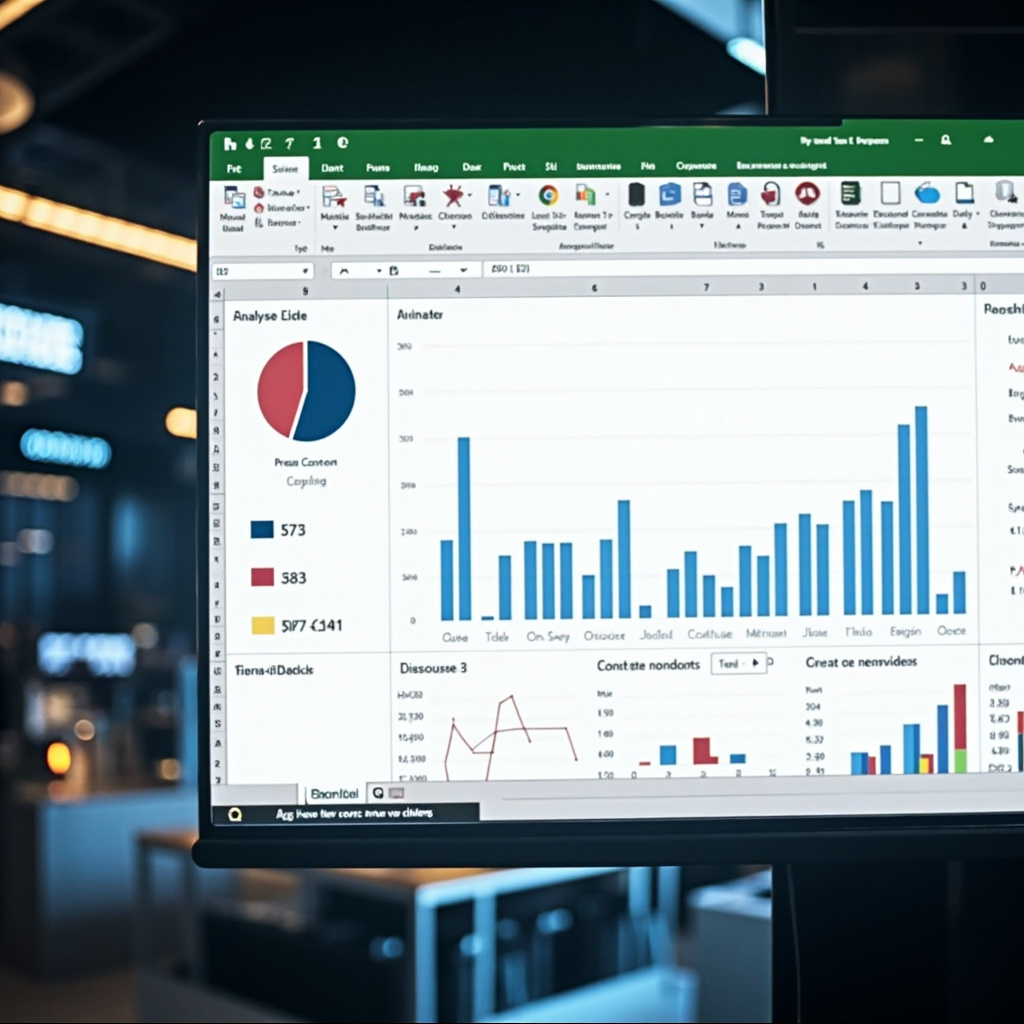
Figure 2: Agent Mode in Microsoft Excel — AI analyzing data and generating charts automatically
Inside Copilot Cowork: How It Works in Practice
Understanding Cowork requires unlearning the “one prompt, one answer” mental model. Here is the workflow in practice:
Step 1 — Give a Goal, Not a Task: You describe an outcome: “Prepare our QBR presentation for the Acme account.” Cowork interprets the goal and determines all the sub-tasks needed to reach it.
Step 2 — Parallel Task Execution: Cowork breaks the goal into independent tasks and executes them simultaneously. While one agent pulls financial data, another searches for support tickets, and a third builds the slide deck — all at the same time.
Step 3 — Real-Time Visibility: A live dashboard shows every agent’s progress. You can pause, redirect, or approve intermediate results at any time. Cowork never acts without you in the loop.
Step 4 — Finished Deliverable: Cowork assembles the results into a cohesive deliverable — a document, a spreadsheet, a presentation — that reflects your brand, your data, and your goals.
Figure 3: Microsoft 365 Copilot Wave 3 — The Complete Feature Landscape
Real-World Use Cases for Copilot Cowork
Financial Reporting — Cowork pulls data from multiple Excel sheets and ERP systems, performs the analysis, generates charts, and builds a full board-ready presentation — tasks that previously took a financial analyst a full day.
Customer Account Management — Before a client meeting, Cowork can aggregate all account emails, support tickets, contract renewals, and usage data into a single briefing document, complete with action items and risk flags.
Compliance and Legal Review — Cowork navigates your document management system, pulls relevant contracts, highlights non-standard clauses, and drafts a redline summary for legal review — reducing review cycles from days to hours.
Market Research — Ask Cowork to research competitors in a specific sector, synthesize findings into a SWOT analysis, and produce a branded report — all without opening a single browser tab.
Microsoft 365 E7 vs. E5 — Is the Upgrade Worth It?
Wave 3 features, particularly Copilot Cowork and Agent 365, are bundled inside the new Microsoft 365 E7 (Frontier Suite) rather than E5. Key differences:
| Feature | E5 | E7 (Frontier) |
|---|---|---|
| Copilot Cowork (Claude-powered) | ❌ | ✅ |
| Agent 365 (Governance Console) | ❌ | ✅ |
| Agent Mode in Office Apps | ✅ (basic) | ✅ (full) |
| Multi-Model AI Routing | Limited | Full |
| Agent Builder in Copilot Chat | ❌ | ✅ |
| Standard Copilot Features | ✅ | ✅ |
For organizations already running E5, the May 2026 update adds many Copilot features at no extra cost. But true agentic autonomy — Cowork and Agent 365 — requires E7. The ROI case is clear for enterprises with high-volume, repetitive knowledge work: one Cowork session can replace hours of multi-system manual effort.
Conclusion: AI Is No Longer Your Assistant — It Is Your Coworker
Microsoft Copilot Wave 3 marks a clear line of demarcation in the history of enterprise AI. Previous generations of Copilot helped you think faster. Wave 3 helps you execute faster. Copilot Cowork, Agent Mode, Multi-Model AI, and Agent 365 together form the most powerful and most controlled AI workforce platform any enterprise software vendor has ever released.
The question for your organization is no longer “Should we use AI agents?” It is “How quickly can we onboard them safely and at scale?” With Microsoft 365 E7 and Wave 3, that answer just got a lot clearer.
The future of work is not about AI replacing humans. It is about AI taking the work that slows humans down — so people can focus on the work that only humans can do.
Version Verified:
- Microsoft 365 Copilot Wave 3 announced: March 2026, full rollout May 1, 2026
- Microsoft 365 E7 (Frontier Suite) launch: May 1, 2026
- Copilot Cowork powered by Anthropic Claude technology
- Sources: Microsoft 365 Blog, ProServeIT Webinar, Windows Forum Analysis
Related Articles

Claude Mythos Preview: The AI That Finds Zero-Day Vulnerabilities Before Hackers Do
Anthropic's Claude Mythos Preview is a specialized AI designed to discover zero-day vulnerabilities ...

Andrej Karpathy Joins Anthropic: The AI Hire That Changes Everything
OpenAI co-founder Andrej Karpathy joins Anthropic's pre-training team to build AI-assisted pre-train...

Claude Opus 4.8 Ships in GitHub Copilot — Anthropic's Most Honest Model Goes Mainstream
Anthropic's Claude Opus 4.8 is now available in GitHub Copilot for Pro+, Business, and Enterprise us...