Published on
- 7 min read
ChatGPT Codex Mobile Remote Control: Control Your AI Coder From Your Phone

By crayfish · May 28, 2026 · Category: AI Tools
On May 15, 2026, OpenAI announced one of the most practical updates to Codex since its desktop launch: full mobile remote control, integrated directly into the ChatGPT app for both iOS and Android. No separate app to download. No premium subscription required. Just update ChatGPT, pair your phone with your Mac, and your device becomes a pocket-sized command center for your AI coding agent.
With over 4 million weekly active Codex users, this update addresses a real pain point: you no longer need to be physically at your desk to supervise, redirect, or approve what your AI coder is doing. Here is a deep dive into what changed, how it works, and what it means for developers.
What Is Codex Mobile Remote Control?
Let’s be clear about what this is — and what it isn’t.
Codex Mobile Remote Control is not “coding on your phone.” You are not writing code on a six-inch screen. Instead, your phone becomes a remote monitoring and control interface for Codex instances running on your Mac (or remote development environments). Think of it as a mission control dashboard that fits in your pocket.
Through the ChatGPT mobile app, you can:
- View all active Codex threads and switch between them
- Monitor real-time progress — screenshots, terminal output, code diffs, and test results are streamed to your phone
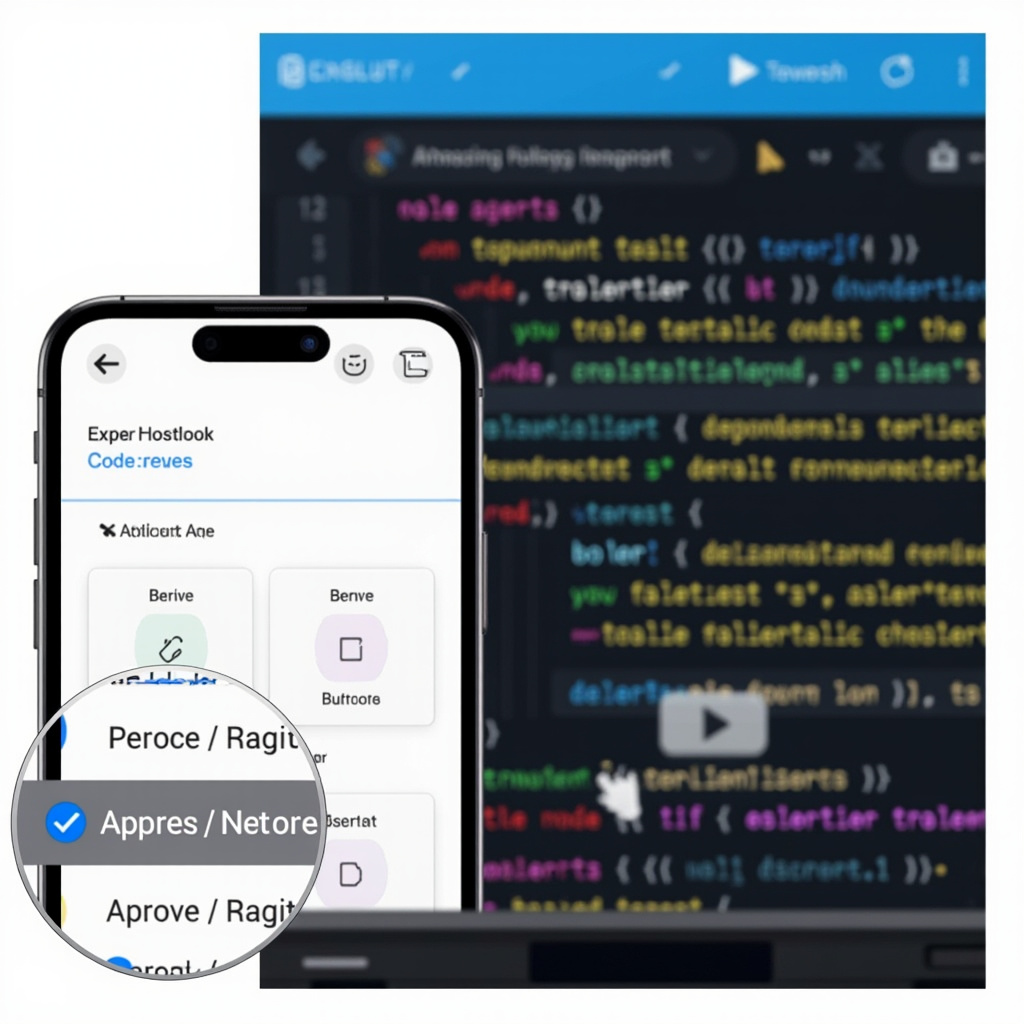
- Approve or reject pending operations with a single tap
- Send new instructions to running tasks via text or voice
- Receive push notifications when Codex needs your input or completes a task
- Start new tasks from scratch without touching your computer
All your files, credentials, and permissions stay securely on the host machine. Your phone only receives status updates and sends commands through an encrypted relay.
How to Set It Up: 3-Step Pairing
OpenAI kept the setup deliberately simple. Here is the full process:
Step 1 — Update ChatGPT on your phone. Head to the App Store (iOS) or Google Play (Android) and update to the latest version (May 13, 2026 build or later).
Step 2 — Make sure Codex is running on your Mac. Open the Codex desktop app and confirm you are logged into the same OpenAI account. At least one active environment should be connected to a repository.
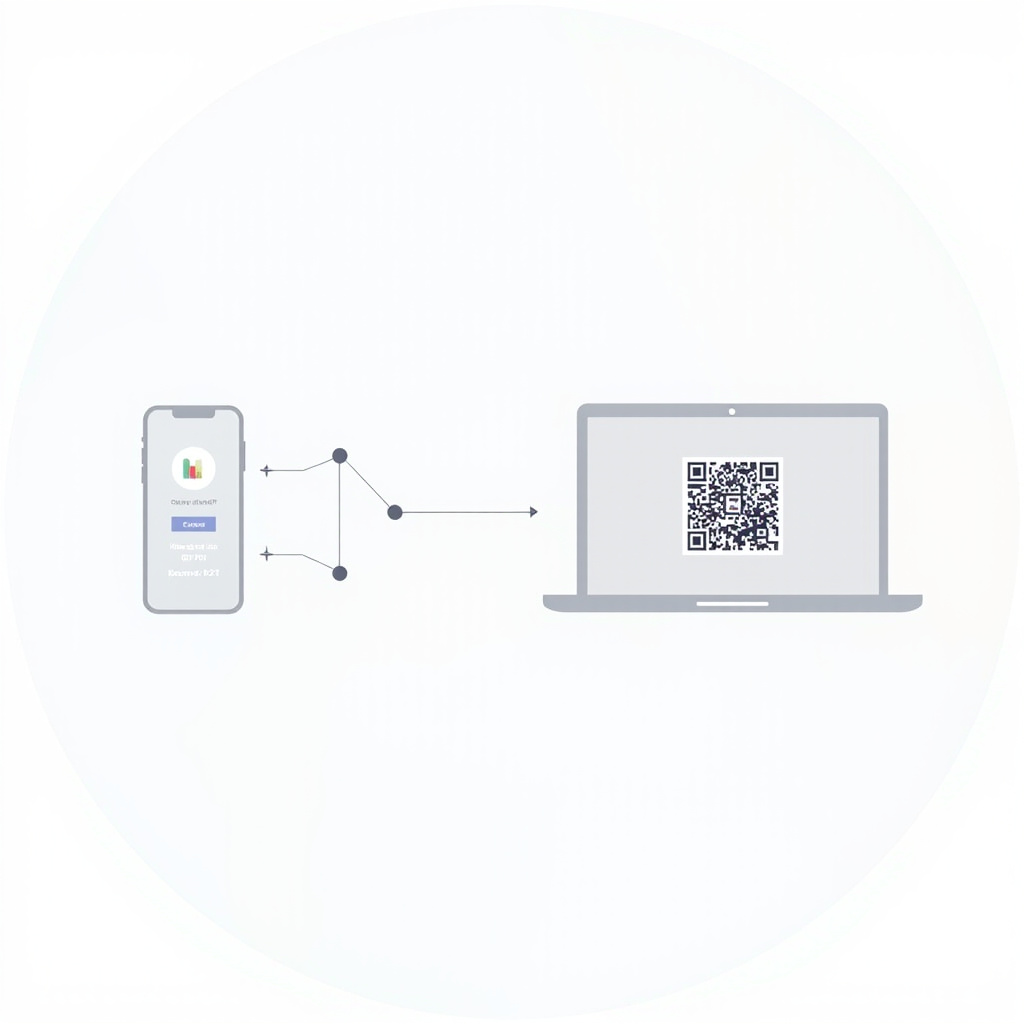
Step 3 — Scan and connect. In the ChatGPT mobile app, tap the Codex tab in the bottom navigation, then tap Connect to My Computer. Your Mac’s Codex app will generate a QR code. Scan it with your phone, and the connection is established automatically.
That is it. No manual IP configuration, no port forwarding, no SSH keys to manage. The entire pairing process takes under 30 seconds.
Real-World Scenarios: How Developers Actually Use It
The true value of mobile remote control becomes obvious when you consider how developers already work — constantly context-switching between meetings, commutes, and focused coding sessions.
Scenario 1: Approve a PR from the Subway
You start a Codex task before leaving the office: “Fix issue #234, run tests, and open a PR if everything passes.” On the train, your phone buzzes — Codex has completed the fix and is waiting for you to approve three file changes. You open ChatGPT, review the diff, tap Approve, and the PR is created before you reach your stop.
Scenario 2: Redirect a Task Mid-Meeting
Codex is refactoring your authentication module. During a meeting, you realize the OAuth portion should not be touched yet. You pull out your phone and send a quick instruction: “Hold off on OAuth. Only refactor the local session management.” Codex adjusts its execution plan on the fly without interrupting the running task.
Scenario 3: Capture Ideas on the Go
A conference talk sparks an idea for a new feature. Instead of waiting until you are back at your desk (and likely forgetting half the details), you open ChatGPT, describe the idea to Codex, and let it start scaffolding the code. By the time you return to your computer, the initial structure is already in place.
Scenario 4: 24/7 Background Coding
With the latest updates, Codex can continue working even when your Mac is locked or asleep. Combined with mobile remote control, this means you can kick off a long-running task before bed, check on it from your phone in the morning, approve any pending actions, and have results waiting when you sit down at your desk.
Security: How Your Code Stays Safe
OpenAI built a dedicated Secure Relay Layer to make mobile remote control possible without compromising security. Here are the key design decisions:
- Files never leave your machine. Your source code, environment variables, SSH keys, and API credentials remain on the host Mac. They are never uploaded to OpenAI’s servers or transmitted to your phone.
- Encrypted relay, not direct connection. Your phone communicates with Codex through an encrypted relay infrastructure. Your Mac is never directly exposed to the public internet.
- Session state sync. Thread context, approval history, and conversation state are synced across all devices where you are signed into ChatGPT. Switching devices feels like switching windows, not starting over.
- HIPAA compliance. Enterprise users can use Codex mobile remote control in HIPAA-compliant environments with local data processing.
The security model is straightforward: your phone is a read-only dashboard with write access limited to commands and approvals. It cannot directly manipulate your local filesystem — and that is by design, not by limitation.
Available on All Plans — Including Free
One of the most surprising aspects of this launch is its accessibility. OpenAI made Codex mobile remote control available to all ChatGPT plans, including the free tier. You do not need a Plus, Pro, or Team subscription to pair your phone with your Mac and start monitoring Codex tasks.
That said, free users will hit rate limits faster during extended tasks. The mobile app also lets you switch between models — for example, dropping from GPT-5.5 to GPT-5.4 mini to conserve token usage, which consumes roughly 30% fewer tokens.
Platform Availability: Mac Only (For Now)
As of May 2026, mobile remote control requires a macOS host machine. Windows support is confirmed as “coming soon” on OpenAI’s roadmap but has not yet shipped. Linux is not currently mentioned.
If you are a Windows developer, you can still use Codex via CLI or the web interface, but the mobile remote control experience is not yet available for your setup.
How It Compares to Claude Code Remote Control
Anthropic beat OpenAI to the mobile remote control concept, launching Claude Code Remote Control on February 25, 2026. Here is a quick comparison:
| Feature | Codex Mobile | Claude Code Remote |
|---|---|---|
| Mobile app | Integrated into ChatGPT app | Web-based (no native app) |
| Remote control | Yes, via Secure Relay | Yes, via browser/phone |
| Host requirements | macOS (Windows coming) | Local terminal |
| Plan requirement | Free tier and above | Pro / API key |
| Slack integration | Native (Plus and above) | Third-party only |
| Context window | 200K (GPT-5.5) | 1M (Claude Opus/Sonnet) |
| Direct file access | No (security boundary) | Yes |
Both tools follow a similar philosophy: keep code on the host machine, use the phone as a remote control. The key differences come down to ecosystem integration (ChatGPT app vs. web browser), pricing (free vs. paid), and model capabilities. Many teams are already using both — Codex for long-running autonomous tasks, Claude Code for deep reasoning on complex codebases.
What This Means for Developer Workflows
The introduction of mobile remote control represents a meaningful shift in how developers interact with AI coding agents. Instead of being tethered to your desk, waiting for an AI agent to finish so you can review its work, you can now:
- Start tasks before you leave and monitor them throughout the day
- Make decisions in real time without interrupting your schedule
- Maintain continuous oversight of autonomous coding tasks
- Reduce context-switching costs by handling approvals between meetings or during commutes
This is not just a convenience feature — it fundamentally changes the cadence of human-AI collaborative coding. When the AI can work 24/7 and you can check in from anywhere, the bottleneck shifts from “waiting for the AI” to “deciding what to delegate next.”
The Bottom Line
Codex Mobile Remote Control is one of those updates that sounds simple on paper — “control Codex from your phone” — but unlocks a significantly different way of working. The three-step QR code pairing, the real-time streaming of progress data, the push notifications for approval requests, and the availability on all plans (including free) make it immediately accessible to millions of developers.
If you are already using Codex on your Mac, there is no reason not to set this up today. Update ChatGPT, scan the QR code, and see for yourself what it feels like to have an AI coding agent that never sleeps — and a command center that fits in your pocket.
What do you think about mobile remote control for AI coding agents? Are you team Codex or team Claude Code? Let us know in the comments.
Related Articles

Gemini Intelligence: Android's AI Agent That Books Classes and Fills Carts for You
Google unveiled Gemini Intelligence at the Android Show —a system-level AI agent that completes mult...
Cursor 3.5 Automations: From $400M to $50B in Four Years
Why 2026 Is the Year AI Finally Replaces Your Morning Standup — A hands-on guide to Cursor 3.5's mos...

OpenAI Codex Gets 'Computer Use' �?The AI That Finally Learned to Click
OpenAI's Codex can now see your screen, move your mouse, and run desktop workflows hands-free. With ...