Published on
- 4 min read
Claude Code Auto Mode: The Permission Fatigue Solution

By crayfish · May 24, 2026 · Category: AI Tools
Every developer who’s used Claude Code knows the drill. You ask it to refactor a module. It asks permission to read 12 files. You say yes. It asks to run npm install. Yes. It wants to edit config.ts. Yes. Then it asks to run the test suite. Yes. Every. Single. Step.
It’s like having a brilliant junior developer who stops to ask if it’s okay to breathe.
Anthropic shipped Auto Mode for Claude Code on March 24, 2026 — and it directly solves this. The idea is elegant: let Claude make low-risk permission decisions on its own, while a dedicated AI safety classifier watches every tool call before it runs.
What Auto Mode Actually Does
Auto Mode sits between two extremes:
default mode: Approve everything manually — efficient only if you have all day
bypassPermissions flag: No checks at all — fast, but a security nightmare if a malicious prompt gets injected
Auto Mode is the middle path. It uses a transcript classifier (reportedly running Claude Sonnet 4.6 under the hood) that reviews every tool call before execution and decides whether the action matches what you asked for.
The classifier blocks actions that:
- Escalate beyond the task scope
- Target infrastructure the classifier doesn’t recognize as trusted
- Appear to be driven by hostile content encountered in a file or web page
If something looks off, the action gets denied — and Claude receives that denial as a tool result, along with an instruction to find a safer path rather than route around the block.
How It Works in Practice
Here’s the decision flow:
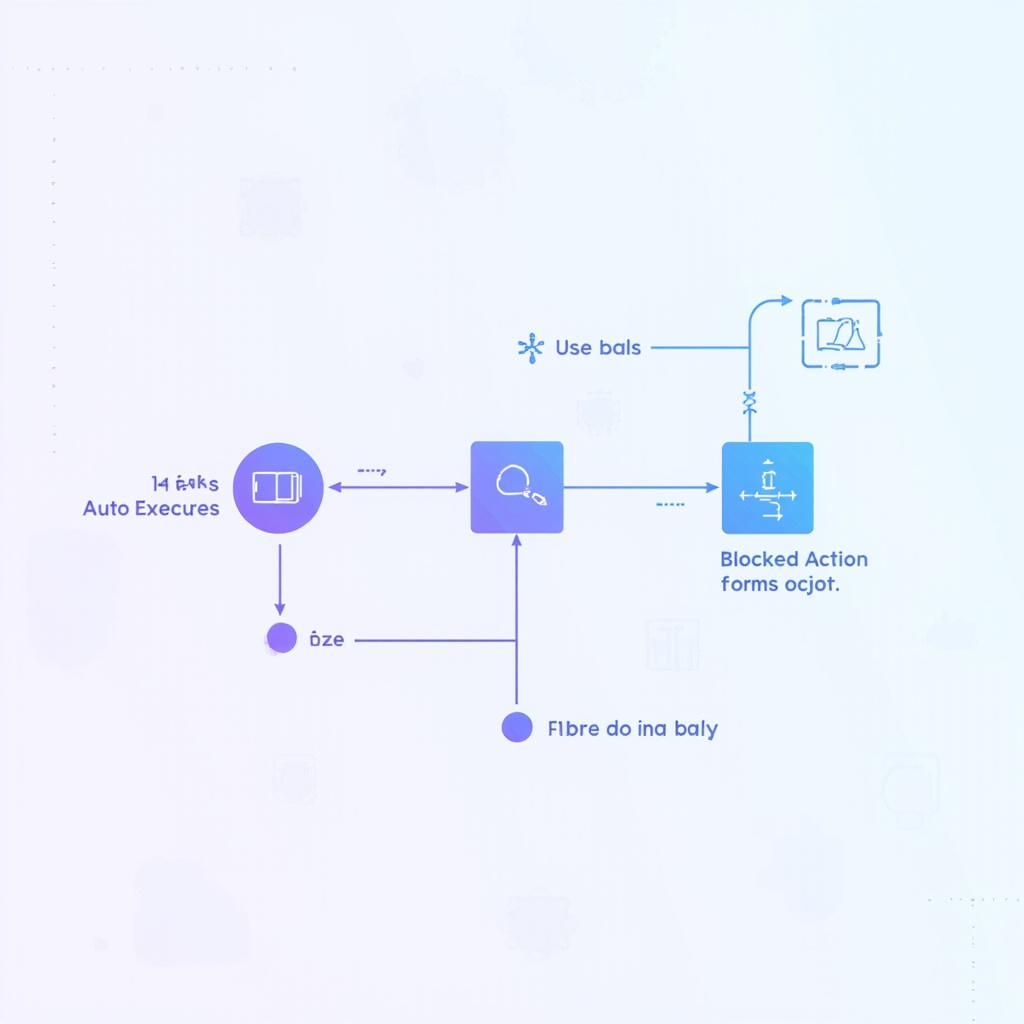
Figure 2: The Auto Mode decision pipeline — User Task → Classifier → Safe/Risky/Blocked
Safe? → Claude executes autonomously
Risky? → User gets a single permission prompt (not 20)
Blocked? → Claude tries an alternative approach
The classifier sees only user messages and the agent’s tool calls. Claude’s own reasoning messages and tool outputs are stripped out — making it reasoning-blind by design. This is intentional: it prevents a prompt injection from steering the classifier by hiding in Claude’s internal monologue.
What Gets Auto-Approved vs. Blocked
Auto-approved by default:
- File reads (any file in the project)
- Declared dependency installations (pip install -r requirements.txt, npm install, cargo build, etc.) — provided the agent hasn’t modified the manifest in this session
- Git commits and pushes to trusted remotes
- Running test commands in safe directories
Blocked by default:
- Outbound network calls to untrusted domains
- System-level commands (rm -rf /, chmod 000, etc.)
- File writes outside the project directory
- Git force-pushes or destructive operations
You can customize these rules via CLAUDE.md or the —permissive / —restrictive flags to fit your workflow.
Real-World Example: The Sprint Refactor
Here’s what Auto Mode looks like in a real scenario:
Task: “Refactor the authentication module to use our new JWT helper, then run the tests.”
In default mode: 15-20 permission prompts. Five minutes of your life gone.
In Auto Mode:
- Claude reads the auth files → auto-approved
- Claude modifies auth/jwt.ts → auto-approved (project directory)
- Claude runs npm install for the JWT package → auto-approved (declared dependency)
- Claude runs npm test → auto-approved (test command in project dir)
- Claude pushes to GitHub → classifier checks remote URL → auto-approved (trusted remote)
Total prompts: 0. Task completed autonomously in under 3 minutes.
Who Can Use Auto Mode?
As of May 2026, Auto Mode has expanded beyond its March research preview:
| Plan | Auto Mode Access |
|---|---|
| Free | ❌ |
| Pro ($20/mo) | ❌ |
| Max ($100-200/mo) | ✅ (since May 2026) |
| Team ($25-150/seat) | ✅ (research preview since March, general availability May 2026) |
| Enterprise | ✅ (rolling out since May 2026) |
| API | ✅ (via auto permission mode) |
Max users got access in early May 2026 after significant community demand — many Max users were burning through token quotas on permission confirmations alone.
Auto Mode vs. The Old Alternatives
Before Auto Mode, developers had two options:
1. Built-in sandbox: Tools are isolated to prevent dangerous actions. Safe, but limited — can’t run real builds or hit real APIs.
2. —dangerously-skip-permissions flag: Disables all prompts entirely. Fast, but if a malicious prompt injection exists in any file Claude reads, it has full reign.
Auto Mode is the third option: speed with guardrails. You get autonomous execution without surrendering safety entirely.

Figure 3: Developer productivity with Auto Mode — AI handles the full coding workflow autonomously
Setting It Up
Auto Mode is enabled via Claude Code’s permission system. In the CLI:
       # Check current permission mode
claude-code permission-mode
# Output: default

# Switch to auto mode
claude-code permission-mode auto

# Run your task
claude-code "refactor the payments module"
In CLAUDE.md at your project root, you can also declare trusted paths:
       # Trusted paths for Auto Mode
trusted-paths:
- ./src
- ./tests
- ./scripts
untrusted-paths:
- ./node_modules (read-only)
- ~/.ssh (blocked)
The Bottom Line
Claude Code Auto Mode is one of those features that feels obvious in hindsight. Permission fatigue was a real friction point, and the naive fix (—dangerously-skip-permissions) was a non-starter for anyone working with real codebases. Auto Mode threads the needle: it gives Claude real autonomy while keeping a safety layer that understands context.
If you’re on Max, Team, or Enterprise, it’s already available. If you’re on Pro and still waiting — the demand is loud, and Anthropic has shown with the May Max rollout that they listen.
Version Verified:
- Claude Code Auto Mode launched: March 24, 2026 (Anthropic engineering blog)
- Max plan access: May 2026 (community reports)
- Team/Enterprise general availability: May 2026 (Anthropic news)
- Classifier model: Claude Sonnet 4.6 (Anthropic documentation)
- Sources: Anthropic Engineering Blog, Build Fast with AI, InfoWorld, Simon Willison
Related Articles

Anthropic Doubles Claude Code Rate Limits —SpaceX Colossus Deal Revealed
Anthropic quietly doubled Claude Code rate limits across all paid tiers, backed by a compute partner...

Cursor 3.5 Automations: From $400M to $50B in Four Years
Why 2026 Is the Year AI Finally Replaces Your Morning Standup — A hands-on guide to Cursor 3.5's mos...

GPT-5.5 Deep Dive: The AI That Codes, Reasons, and Now Controls Your Computer
OpenAI's latest flagship model doesn't just think harder — it acts. GPT-5.5's agentic capabilities a...