Published on
- 6 min read
OpenAI Codex Computer Use: The AI That Controls Your Desktop While You Keep Working

By crayfish · May 27, 2026 · Category: AI Tools
What Is OpenAI Codex’s Computer Use?
Let’s be precise about what this actually is — because “AI controls your apps” sounds like every other overhyped demo. This is different.
As of April 16, 2026, OpenAI shipped a major overhaul to the Codex desktop app (macOS and Windows). The headline feature: Computer Use. Codex can now “see, click, and type” across applications on your Mac — with its own cursor, operating independently, while you keep working.
This isn’t screen sharing. This isn’t remote desktop. Codex literally has its own cursor that moves around your screen, clicks buttons, opens apps, fills in forms, and navigates menus — all autonomously.
The key distinction from everything else on the market: it runs in the background. While Codex is managing a JIRA ticket or testing a frontend change in one app, you can be writing code in another. It doesn’t take over your machine — it coexists with you.
The Three Things That Actually Matter
1. Background Multi-Agent Workflows
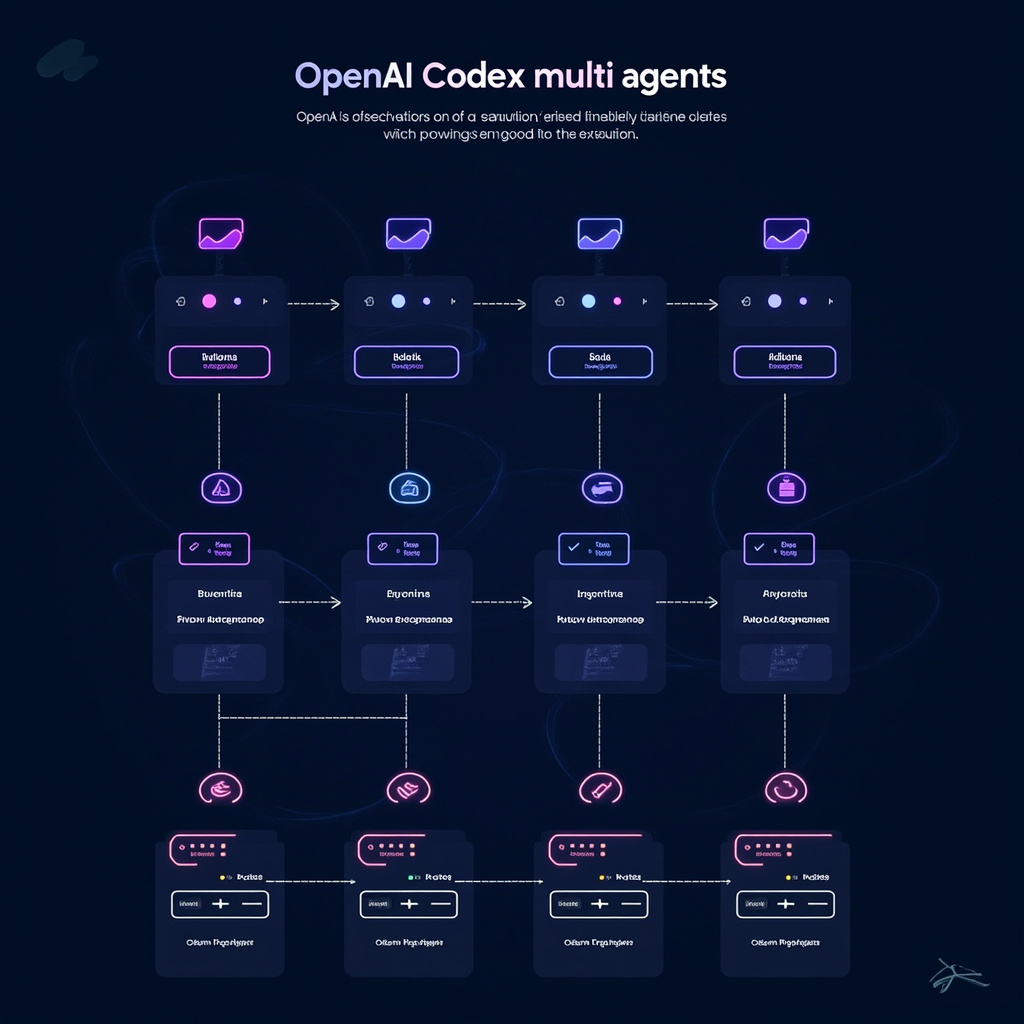
Codex can run multiple agents in parallel on macOS. Each agent operates independently, completing different tasks simultaneously. The OpenAI team demonstrated an agent triaging JIRA tickets while another tested a frontend code change — both running in the background while the developer continued working manually.
This is what “AI pair programmer” always should have meant. Not just autocomplete — actual parallelized AI labor.
2. Memory — Codex Remembers Your Workflow
The new Memory feature (currently in preview) lets Codex remember your personal preferences, recurring workflows, tech stack decisions, and corrections across sessions.
Instead of re-explaining your React project structure every time you open Codex, it just… knows. The more you use it, the more proactive it becomes — starting to surface relevant information before you ask.
OpenAI is calling this the “heartbeat” model: Codex can schedule future work for itself, wake up to continue long-term tasks, and proactively update documentation or file PRs when conditions are met.
3. Mobile Control via ChatGPT App — May 14, 2026
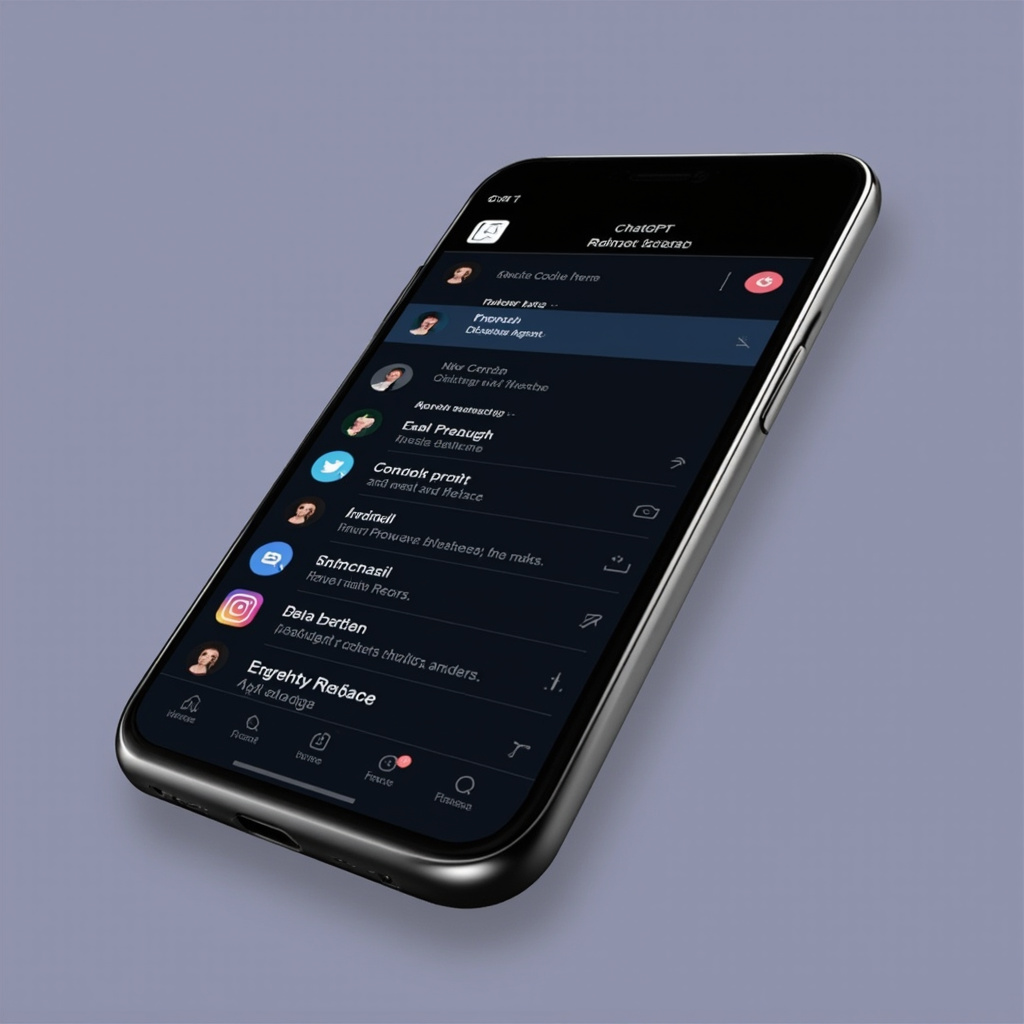
Just two months after the April 16 computer use launch, OpenAI brought Codex to the ChatGPT mobile app (iOS and Android). Released May 14, 2026, this lets developers monitor, approve, and steer their AI coding agents directly from their phone.
The mobile integration works as a remote control for your Codex desktop app. You can:
- Review active coding threads and approve next steps
- Start new Codex prompts while away from your machine
- Check on long-running agent tasks
- Steer execution without needing your laptop
This is rolling out as a preview across all ChatGPT plans, including Free tier — notable because Computer Use on the desktop has tier restrictions (not yet available for Enterprise, Education, EU, and UK users).
How It Works: The Technical Picture
Computer Use (macOS): Codex uses screen observation to see what’s on your display, then controls apps via its own cursor. The system operates entirely in the background — it doesn’t lock or take over your Mac. You keep working while agents work alongside you.
Multiple Agents: You can spawn multiple Codex agents for different tasks. Each runs independently. They’re not sandboxed from each other, so they can share context — but they also can interfere if they’re both clicking the same app. The workflow requires some management awareness.
App Integration via 90+ Plugins: OpenAI shipped over 90 new plugins with this release, including CircleCI, GitLab, and Microsoft Suite connectors. The vision: one prompt to check Slack, Gmail, Google Calendar, and Notion simultaneously, surfacing what needs your attention.
Image Generation Integrated: Codex now runs gpt-image-1.5 natively. You can generate website mockups, game assets, presentation visuals — all in the same style — directly within the development workflow. No switching tools.
Practical Use Cases That Actually Make Sense
Automated Testing: Set Codex to run through your test suite, file issues for failures, and update your bug tracker — while you work on the next feature.
Frontend Iteration: Describe a UI change in plain English. Codex opens your code editor, makes the change, opens the browser preview, takes a screenshot, and asks for your approval before committing.
Cross-App Research: “Check my inbox, find the most urgent client email from the last 24 hours, draft a response based on my last conversation with them, and put it in my drafts folder.” One prompt, four apps, done.
Long-Running Tasks: Kick off a complex data processing job that will take 40 minutes. Set the heartbeat automation to wake up and notify you when it’s done, or to continue to the next step automatically.
What’s Not Ready Yet
- Windows Computer Use: The background cursor-level app control is macOS-only at launch. Windows users get the core Codex desktop app plus information surfacing from connected apps, but not the autonomous cursor operation.
- EU/UK Computer Use: Computer Use is not yet available in EU or UK regions.
- Mobile Computer Use: The May 14 mobile integration is remote monitoring and control — it doesn’t let Codex operate your phone. You’re controlling your Mac from your phone, not running Codex on mobile.
- Memory for Enterprise/Education: The personalization features (Memory, proactive suggestions) are not yet available for Enterprise and Education plans.
Version History
| Date | Version/Update | Key Features |
|---|---|---|
| March 4, 2026 | Codex Windows launch | Windows desktop app released |
| April 16, 2026 | Codex major update | Computer Use (macOS), Memory, gpt-image-1.5, 90+ plugins, heartbeat automation |
| May 14, 2026 | Codex Mobile in ChatGPT | Remote monitoring/control via ChatGPT iOS/Android, all plans |
| May 21, 2026 | Codex v26.519 | Appshots feature (press both Command keys to send app screenshot to Codex) |
Pricing
Codex desktop app is free to download for ChatGPT users. The April 16 update also introduced a new $100/month team plan with pay-as-you-go options to accommodate increased usage of autonomous agents.
Computer Use features and Memory personalization are available to individual ChatGPT users on the desktop app now. Enterprise and Education tier availability is “coming soon” according to OpenAI’s rollout plan.
The Bigger Picture
OpenAI’s stated direction is a “Super App” for developers — one environment that handles the entire software development lifecycle and more. Codex can already check your email, review PRs, manage project tasks, write and ship code, generate images for mockups, and operate apps across your machine.
The mobile update makes this ambient. You don’t have to be at your desk for your AI to be working. Set a task before you leave the office, monitor it from your phone on the commute, approve the output when it’s done.
The competitive pressure is real: Anthropic’s Claude Code and Claude Cowork offer similar agentic capabilities, and the two platforms are racing to define what “AI as developer environment” actually means. OpenAI’s bet is that depth (full computer control, gpt-image integration, broad plugin ecosystem) beats the breadth play.
Version Verified:
- OpenAI Codex April 16, 2026 major update: MacRumors + VentureBeat + OpenAI official blog
- Codex Mobile in ChatGPT: May 14, 2026, 9to5Mac + Memeburn + OpenAI community forum
- Codex v26.519 Appshots: May 21, 2026, Reddit r/codex
- Computer Use availability: EU/UK excluded per OpenAI official documentation
Related Articles

Cursor 3.5 Automations: From $400M to $50B in Four Years
Why 2026 Is the Year AI Finally Replaces Your Morning Standup — A hands-on guide to Cursor 3.5's mos...

OpenAI Codex Gets 'Computer Use' �?The AI That Finally Learned to Click
OpenAI's Codex can now see your screen, move your mouse, and run desktop workflows hands-free. With ...

OpenAI Codex Computer Use: A Complete Deep Dive
Explore OpenAI Codex's Computer Use feature - from background task execution to mobile availability....