Published on
- 6 min read
Google Colab Just Got a Personal Python Tutor — And It Actually Teaches You to Code
By crayfish · May 28, 2026 · Category: AI Tools
If you have ever used Google Colab with Gemini, you know the routine: ask a question, get a block of code, paste it into your notebook, and hope it works. You get the output, but you rarely understand why it works. It is efficient — but it is not learning.
On April 8, 2026, Google shipped Learn Mode, a new interaction model for Gemini inside Colab that flips this dynamic entirely. Instead of generating code for you to copy, Gemini becomes a step-by-step coding tutor that walks you through every line, explains the reasoning, and asks you questions to check your understanding.
This is not just a UI toggle. It is a fundamentally different approach to AI-assisted coding education — and it matters for anyone who wants to actually learn Python, not just produce Python output.
What Is Learn Mode?
Learn Mode is a new operational mode for the Gemini assistant inside Google Colab. When enabled, Gemini stops acting as a code generator and starts acting as a coding tutor.
In Standard Mode (the default), when you ask Gemini to “create a scatter plot of this dataset,” it writes the complete code and inserts it into your notebook. You run it, see the chart, and move on. The interaction is output-oriented.
In Learn Mode, when you ask the same question, Gemini does something different. It breaks the task into steps, explains what each step does, and guides you through writing the code yourself. Instead of giving you the answer, it teaches you how to arrive at the answer.
Figure 1: Learn Mode transforms Gemini from a code generator into a step-by-step coding tutor inside Google Colab
The core idea is borrowed from educational psychology: active learning beats passive consumption. When you write code yourself — even with guidance — you retain significantly more than when you copy and paste someone else’s solution.
Three Features That Make It Work
Learn Mode is not just “Gemini but slower.” It has three distinct capabilities that set it apart from the standard experience.
1. Socratic Teaching Method
Gemini in Learn Mode uses a Socratic approach — it asks questions instead of just giving answers. When you are working through a problem, it might ask: “What do you think this function should return?” or “Why did you choose a for loop here instead of a list comprehension?” These questions force you to articulate your reasoning, which is where real learning happens.
This is a deliberate design choice. Research consistently shows that self-explanation — the process of explaining your own reasoning — is one of the most effective learning techniques. Gemini is essentially scaffolding this process.
2. Persistent Context Awareness
Learn Mode maintains a running understanding of your session. It remembers what concepts you have already covered, what mistakes you have made, and where you are in the learning progression. If you struggled with list comprehensions earlier in the session, it will reference that when introducing similar concepts later.
This context persistence means the tutoring experience feels coherent. You are not starting from scratch with every prompt — Gemini builds on what you have already learned, just like a good human tutor would.
3. Custom Instructions Integration
Learn Mode works with Colab’s Custom Instructions feature, which lets you define how Gemini should respond. You can specify your preferred coding style, the libraries you want to focus on, your experience level, and even the format of explanations.
For example, a student might set: “I am a beginner learning Python. Explain everything simply. Use pandas and matplotlib only. Always show me the expected output before I run the code.”
An experienced developer learning a new library might set: “I know Python well but am new to PyTorch. Skip basic Python explanations. Focus on tensor operations and autograd. Give me concise, technical explanations.”
This customization is what makes Learn Mode feel personal rather than generic.
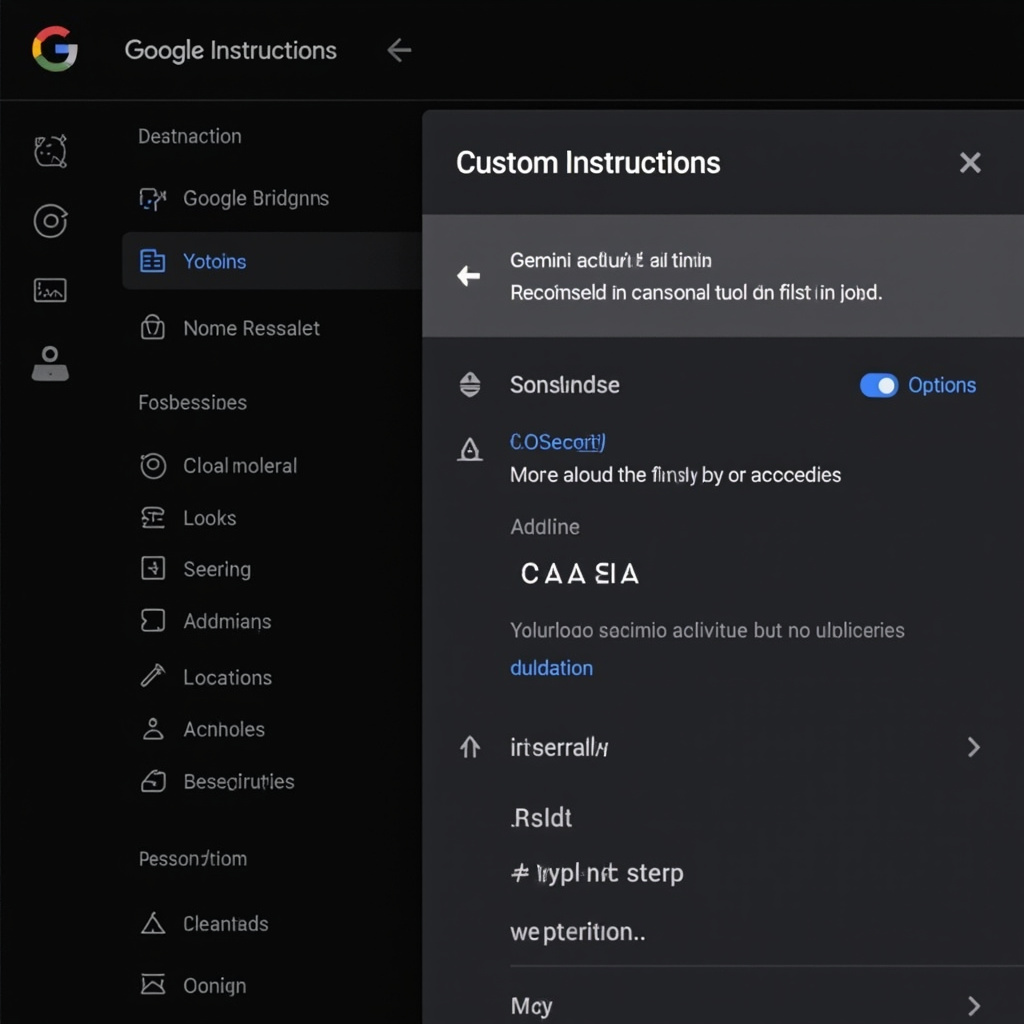
Figure 2: Custom Instructions let you tailor Gemini’s teaching style, coding preferences, and explanation depth
How to Enable Learn Mode: 2 Steps
Google kept the setup intentionally simple:
Step 1 — Open Gemini in Colab. Click the Gemini button in the Colab toolbar (or press the keyboard shortcut).
Step 2 — Toggle Learn Mode on. In the Gemini panel, you will see a toggle switch labeled “Learn Mode.” Flip it on. That is it.
Once enabled, all subsequent interactions with Gemini will use the tutoring approach instead of the standard code-generation approach. You can switch back to Standard Mode at any time by toggling it off.
There is no additional setup, no configuration file, and no separate extension to install. If you have access to Gemini in Colab, you have access to Learn Mode.
Who Is Learn Mode For?
Learn Mode is designed for three primary audiences:
Beginners learning Python. If you are just getting started with programming, Learn Mode provides the guided, interactive instruction that textbooks and video tutorials cannot offer. You get real-time feedback, personalized pacing, and the ability to ask “why?” at any point.
Educators and teaching assistants. Learn Mode can serve as a scalable tutoring supplement. Instead of answering the same questions from 30 students, educators can point them to Learn Mode for foundational concepts and reserve office hours for deeper discussions.
Developers learning new libraries and frameworks. Even experienced developers encounter unfamiliar tools. Learn Mode is useful when you are picking up PyTorch for the first time, exploring a new data visualization library, or working with an API you have never used before. The guided, step-by-step approach helps you build intuition faster than reading documentation alone.
Limitations to Keep in Mind
Learn Mode is powerful, but it is not perfect. Here are the current limitations:
It is slower than Standard Mode. By design, Learn Mode breaks tasks into smaller steps and includes explanations. If you just need a quick answer, Standard Mode is more efficient.
It may struggle with cutting-edge libraries. Gemini’s training data has a cutoff, so very new libraries or recent API changes may not be accurately represented. Always verify against official documentation for production code.
It is not a replacement for structured courses. Learn Mode is excellent for guided exploration and concept reinforcement, but it does not replace the structured curriculum of a well-designed course. Think of it as a supplement, not a substitute.
Complex debugging can be hit-or-miss. When you are dealing with subtle bugs that require deep understanding of library internals, Learn Mode’s explanations may not go deep enough. For advanced debugging, Standard Mode or direct documentation consultation may be more effective.
The Bigger Picture
Learn Mode represents a meaningful shift in how AI tools approach education. For the past two years, AI coding assistants have been optimized for output — write code faster, generate more code, ship features sooner. Learn Mode optimizes for understanding.
This matters because the industry has a growing problem: developers who can produce code with AI but cannot debug it, modify it, or explain it. Learn Mode is Google’s attempt to address this gap at the point of creation — not as a separate learning tool, but as a mode within the tool developers already use.
If you spend time in Colab and want to move from “code that works” to “code I understand,” Learn Mode is worth trying. Toggle it on, ask Gemini to teach you something you have been copy-pasting, and see what happens when the AI stops giving you answers and starts asking you questions.
What do you think about Learn Mode? Is AI-powered tutoring the future of coding education, or is there no substitute for a human teacher? Let us know in the comments.
Related Articles

Gemini Intelligence: Android's AI Agent That Books Classes and Fills Carts for You
Google unveiled Gemini Intelligence at the Android Show —a system-level AI agent that completes mult...

Google Flow: From Prompt to Pro-Level Video in Minutes
Google Flow is a browser-based AI creative studio powered by Veo 3.1. Generate cinematic video clips...
Google Gemini 3.5 Flash: The Agentic AI Model Built for Real-World Tasks
Google unveiled Gemini 3.5 Flash at I/O 2026 — the first model built from the ground up for agentic ...